Active Directory Review

A security review of your Active Directory. We find the misconfigurations, weak credentials and attack paths an attacker would use.

The System That Decides Who Can Access What

Active Directory (AD) controls access to your key systems and data. Years of growth, policy changes and admin shortcuts leave security gaps. Attackers look for these gaps first.

We review it from three angles: configuration and privileges, passwords and sign-in, and attack paths. We use the same techniques as real attackers. One weak account can lead to full domain control. The review shows where the gaps are and which ones to fix first.

Why Review Your Active Directory?

  • Attack Path Analysis: Routes an attacker could use to reach domain control
  • Privilege Assessment: Excess permissions and unused admin accounts
  • Kerberos Security: Kerberoastable accounts, delegation issues and ticket weaknesses
  • Password Policy Review: Password rules checked, and weak or shared passwords found
  • Hardening Guidance: Fixes ranked by risk and effort, with ready-to-run commands
  • Compliance Support: Evidence for identity and access requirements in audits

Service details

  • Category Assess
  • Duration 2 to 4 weeks
  • Deliverables Executive Summary, Findings & Fix Lists, Fix Plan with PowerShell commands
  • Standards MITRE ATT&CK, CIS Benchmarks, Microsoft Security Baselines
Request an Assessment

How Many Steps to Domain Admin?

This is the question we answer: how many steps from any user account to Domain Admin? We find the paths to domain compromise before an attacker does.

We review your Active Directory from three angles. We use the same techniques as real attackers.

  • Configuration & Privileges Domain design, admin groups, service accounts, rights (ACLs) and Group Policy
  • Passwords & Sign-in Password rules, cracked passwords, LAPS and Kerberos
  • Attack Paths Lateral movement and privilege escalation, up to Domain Admin

Wooden blocks climbing like stairs: Kerberoasting, then Dump LSASS, then Domain Admin

Three Steps to Domain Admin

One weak service account can be enough to take over the domain.
What We Review

Six areas, grouped under the three angles of the report

Configuration & Privileges

Domain Architecture

How your forests, domains and trusts are built, and who can manage each part.

  • Forest and domain trusts
  • OU design and delegation
  • Sites and replication
Configuration & Privileges

Privileged Access

Who really has admin rights, including through nested groups and object rights.

  • Admin group members
  • Service account rights
  • Rights on objects (ACLs)
Configuration & Privileges

Group Policy

Group Policy Objects (GPOs) that are weak, too open, or hold passwords.

  • GPO permissions
  • Passwords in GPO preferences
  • Comparison with security baselines
Passwords & Sign-in

Kerberos Security

Kerberos settings that let an attacker crack or forge tickets.

  • SPN exposure (Kerberoasting)
  • Pre-authentication (AS-REP roasting)
  • Ticket encryption and delegation
Passwords & Sign-in

Credential Security

We check your password rules, then test real passwords for weak, shared or default ones.

  • Password policy
  • Cracked passwords
  • LAPS for local admin passwords
Attack Paths

Attack Path Mapping

The routes from a normal user account to Domain Admin, step by step.

  • Lateral movement
  • Privilege escalation
  • Paths to Domain Admin

How Weaknesses Chain

Finding types from our sample report, in the order an attacker uses them

Stage 1

Get In

The attacker gets a first account.

  • Empty passwordsAccounts that accept a blank password.
  • Weak passwordsShared or default passwords, cracked by a basic test.
  • Legacy protocolsLM and NTLMv1 sign-ins still allowed.
Stage 2

Climb

The attacker gains admin rights.

  • KerberoastingAdmin service accounts with crackable tickets.
  • Coercion on DCsPrint spooler and RPC force domain controllers (DCs) to sign in.
  • No delegation protectionAdmin accounts open to ticket theft.
Stage 3

Take Over

The attacker controls the domain.

  • DCSync rightsA non-admin group can copy every password hash.
  • Old krbtgt keyForged tickets work as any user, for years.
  • Tier Zero permissionsNon-admin groups can change the top admin objects.

What One Review Found

Example from an anonymised sample report

Findings by severity
Critical: 4 High: 6
Findings by area
Configuration & privileges7
Attack paths2
Passwords & sign-in1

An attacker with any foothold could take over accounts at scale. Nothing stood between weak passwords and top-level admin access.

1,285weak, shared or default passwords
9 yrssince the krbtgt password changed
273accounts that accept an empty password

Findings You Can Trust

Every rating is tied to evidence from your environment

Likelihood

How often attackers use this kind of issue

Tier Zero

Does it touch the accounts that run your domain?

Severity
Critical High Medium Low
Confidence

How directly the measured data supports the finding. It does not rate how easy the attack is.

Evidence

We run fixed checks on data from your directory. We write the text afterwards and check it against that data.

Each finding also has MITRE ATT&CK mapping Affected object count Effort to fix

Inside the Report

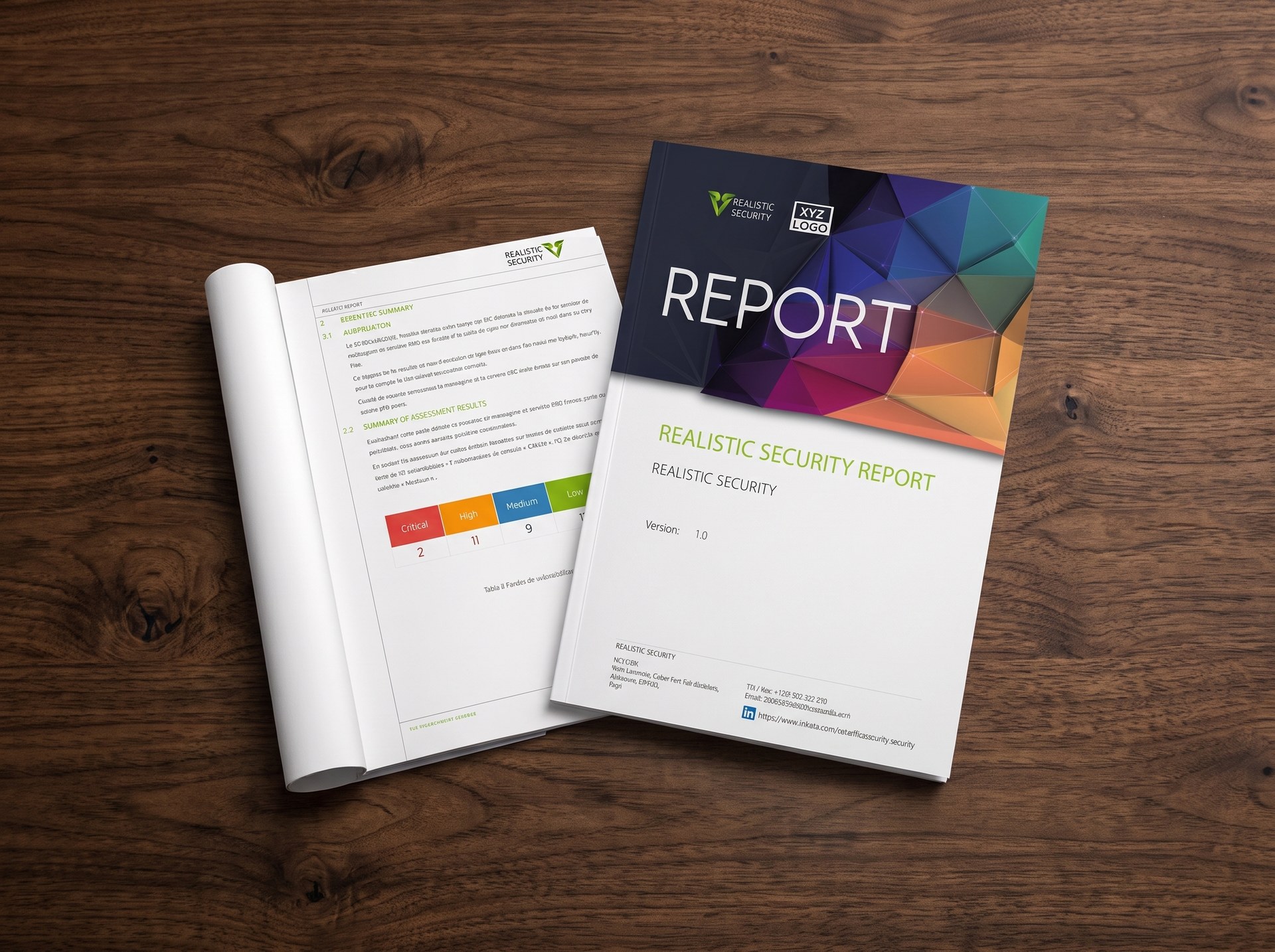
A clear report that shows how an attacker could take over your domain, and how to stop it.

Executive Summary

Business risk in plain words, with results by severity and area.

Findings & Fix Lists

Every finding with severity, affected count, confidence and effort.

Detailed Findings

Technical and business impact, blast radius and proof of concept.

Fix Plan

Short-term fixes within seven days, with PowerShell commands, plus long-term changes.

Appendices

Lower-severity issues and the full list of affected objects.

Active Directory Review report by Realistic Security

Team Certifications

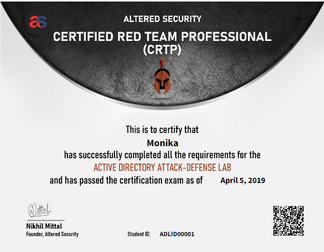
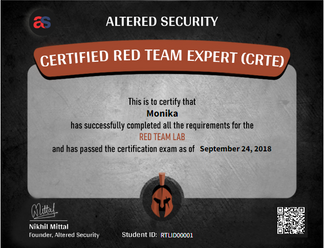
Our consultants hold offensive security certifications. CRTP and CRTE focus on Active Directory attacks.

CRTP

Certified Red Team Professional

CRTE

Certified Red Team Expert

OSCP

Offensive Security Certified Professional

OSEP

Offensive Security Experienced Penetration Tester

CPTS

Certified Penetration Testing Specialist

How Exposed Is Your Active Directory?

We review it and give you clear, ranked fixes to block domain takeover.