Incident Response Attack & Detect
Run each attack yourself, then detect it, investigate it and respond, from the first alert to lessons learned.
- 4 days
- 6 to 8 participants
- Labs + final case
- Private, on-site or online
About the Course
Most incident response courses teach the process on slides. Here, your team runs each technique from the attacker side first: file upload, webshell, credential dumping, Pass the Hash, C2 over DNS. Then they find the traces and respond.
- Part 1: the incident response process, from preparation to lessons learned.
- Part 2: attack-and-detect labs, mapped to MITRE ATT&CK, from initial access to exfiltration.
Who it is for
- SOC analysts
- Incident responders
- System & network admins
- Anyone moving into IR
You should already know TCP/IP basics, Windows and Linux command line, and what Active Directory does
You Will Be Able To
- Write an IR playbook and a runbook, and explain how they differ
- Scope an incident with the 5 Ws and decide what to contain first
- Run ATT&CK techniques in the lab, from initial access to exfiltration
- Detect each technique and name the log or artifact that proves it
- Set validation criteria before you close an incident
- Find the root cause with the 5 whys and turn it into a hardening action
From a file upload to DNS exfiltration
An attacker uploads a file to a web server. A webshell follows. Then credentials are dumped, DCSync runs, Pass the Hash opens the next host, and data leaves over DNS.
Your team plays both sides. First they run each step from Kali. Then they switch seats, find the traces and decide what to contain first.
The case ends with a short incident report and a lessons-learned debrief.
Course Syllabus
19 modules · 2 parts
Part 1 The incident response process 7 modules
- Introduction
What incident response is, the systematic approach, duties and roles, and what is out of scope for a responder.
- Preparation
The hidden cost of poor preparation. IR plan, playbooks and runbooks and how they differ, successful playbooks, KPIs.
- Identification
Confirming and scoping an incident, common challenges and mitigations, the 5 Ws approach.
- Containment
Containment inputs, decisions and challenges.
- Eradication
Challenges, success factors and how to evaluate eradication.
- Recovery
Challenges and validation criteria before closing the incident.
- Lessons learned
Root cause analysis with the 5 whys, and lessons from each phase.
Part 2 Attack & detect labs 12 modules
- MITRE ATT&CK
Tactics, techniques and procedures; groups, software and data sources; examples and tools.
- Initial Access
File upload attack and detection.
- Persistence
Webshell and Golden Ticket attacks and detection.
- Execution
Meterpreter attack and detection.
- Defense Evasion
Antivirus bypass attack and detection.
- Privilege Escalation
Hijack execution flow attack and detection.
- Credential Access
OS credential dumping and DCSync attacks and detection.
- Discovery
Network service scanning and domain scanning, and their detection.
- Lateral Movement
Pass the Hash and WinRM attacks and detection.
- Command & Control
Command and control over DNS, and its detection.
- Exfiltration
Detection of exfiltration over DNS.
- Defense best practices
Hardening and detection lessons from every lab.
Want this syllabus adapted for your team?
Request a proposalWhat Participants Take Home
- Course slides
- Lab guides for every module
- The detection notes and queries written during the labs
- A certificate of completion for each participant
Certificate of Completion
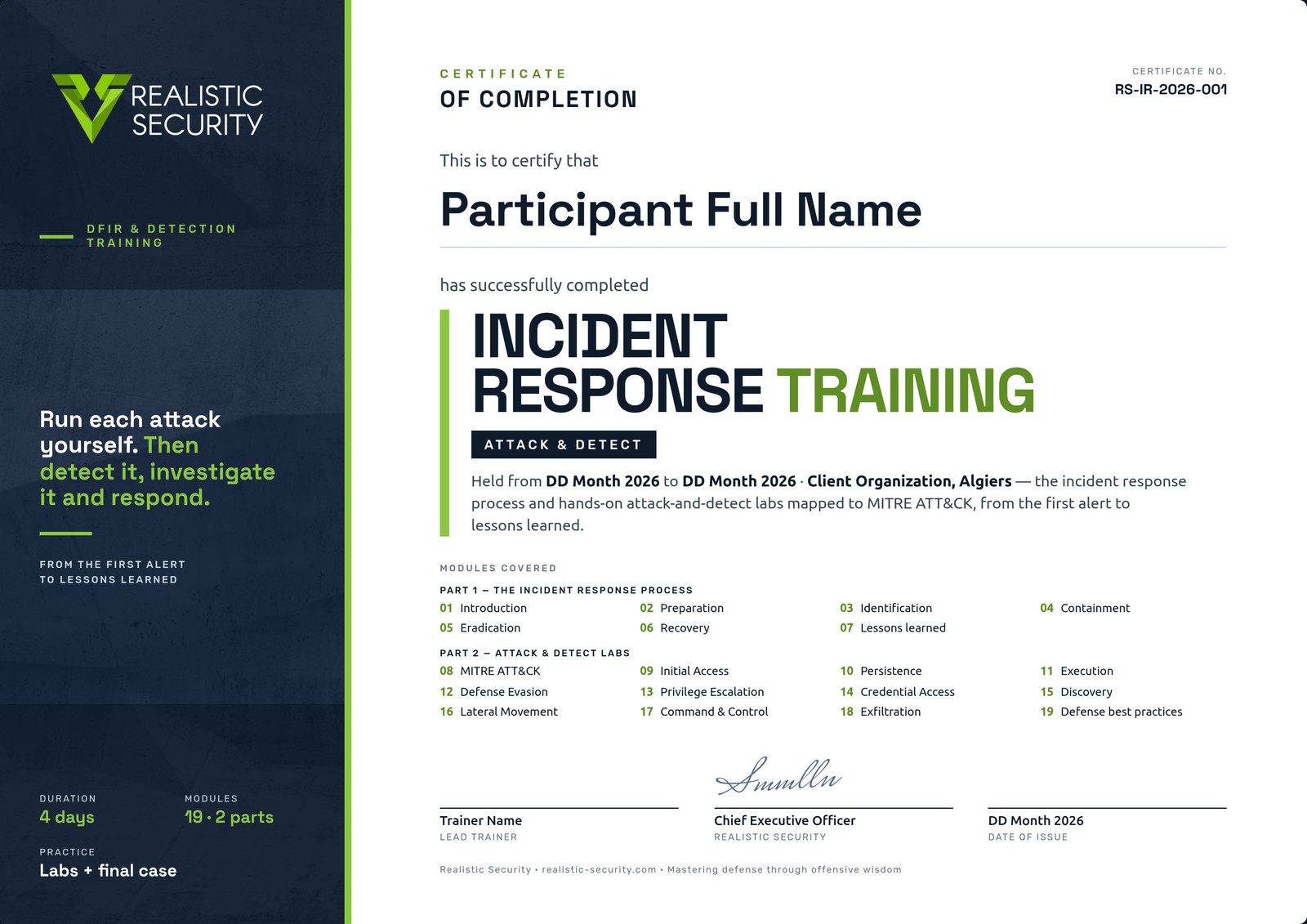
Each participant who completes the attack-and-detect labs and the final case receives a named, numbered certificate that lists the modules covered, signed by the lead trainer and our CEO.
Before the Course
What each participant needs on day one.
- RAM
- 8 GB min, 12 GB recommended
- Disk
- 50 GB free
- Software
- Kali Linux VM
- Network
- Local and Internet access
Other Courses
Digital Forensics Training
Acquire the evidence, then prove what happened on a Windows host: what ran, who logged in, and where the files came from.
View courseEDR & Threat Hunting Training
Deploy an EDR platform, then use it to hunt attacker behavior across your endpoints.
View courseDetection Engineering Training with Elastic Security
Start from attacker behavior and finish with tested detection rules on Elastic.
View coursePenetration Testing Training
From scoping to domain admin to the client report, mostly in the lab.
View courseTrain Your Team in Incident Response
Tell us your team size, your tools and your dates. We reply with a proposal adapted to your team.